AI Document Processing: Extract, Understand, Respond, and Route
What AI document processing actually covers—extract, understand, respond, and route—and how to apply AI without treating every PDF as the same problem.
What AI document processing actually covers—extract, understand, respond, and route—and how to apply AI without treating every PDF as the same problem.
What AI document processing actually covers—extract, understand, respond, and route—and how to apply AI without treating every PDF as the same problem.
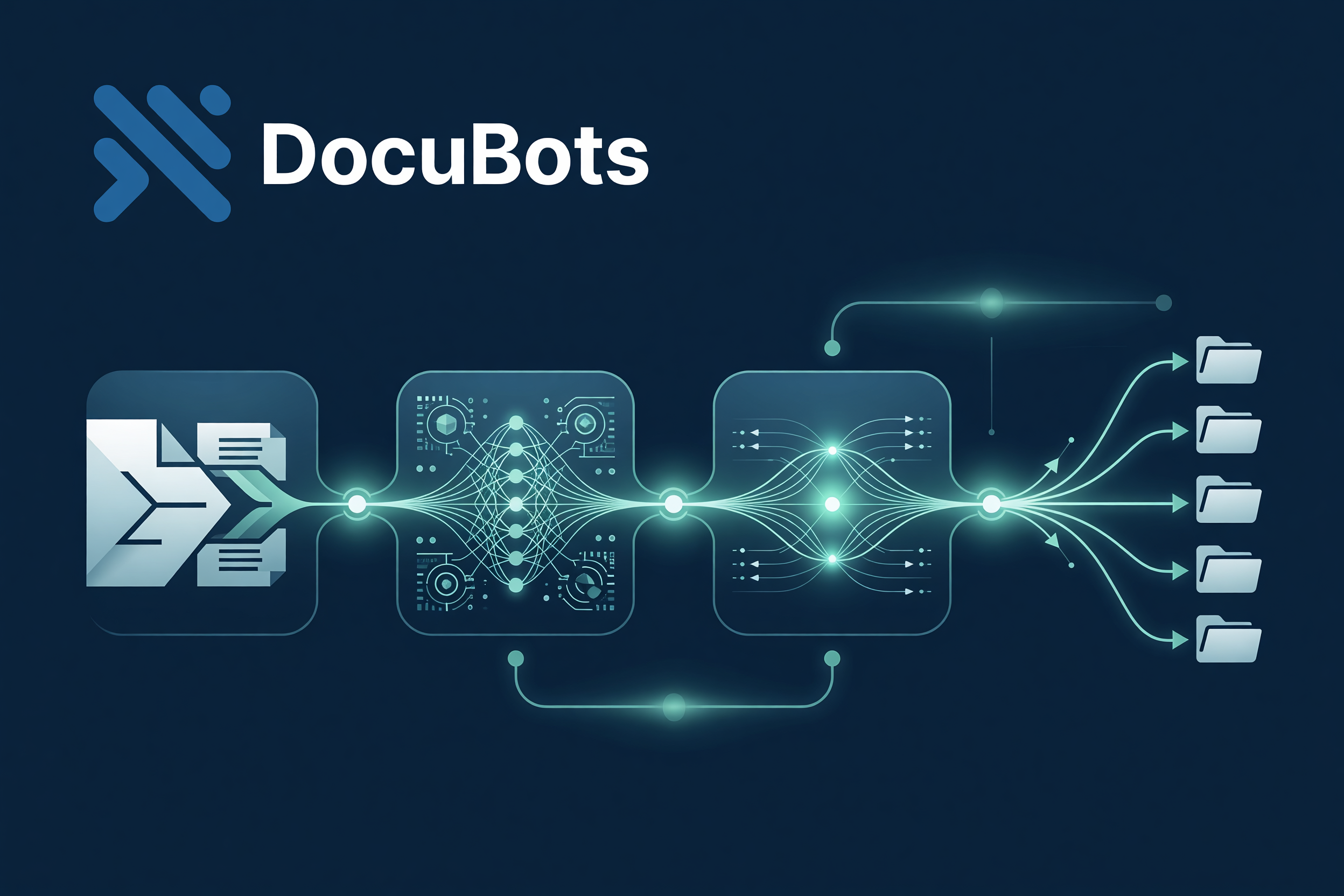
AI document processing is one of the most searched—and most overloaded—phrases in business software. Sometimes it means OCR. Sometimes classification. Sometimes a chatbot that “reads” a PDF. Rarely does it mean the full path from inbound file to finished work.
Here is a precise definition you can operate:
AI document processing uses machine learning and language models to help extract information, understand meaning, draft responses, and route work—so humans and systems spend time on judgment, not re-keying.
Whether you call it IDP, document AI, or AI document processing, the useful capability map is the same:
Pull structured and semi-structured data from invoices, forms, contracts, emails, and packs: fields, line items, parties, dates, amounts, clauses.
AI helps when: layouts vary, scans are noisy, or templates multiply faster than engineering can keep up.
Go beyond fields. Classify document type, detect missing pieces, score completeness, flag policy conflicts, summarize risk, match against master data.
AI helps when: rules alone cannot express “what this means for us.”
Produce the next artifact: a reply email, a request for missing documents, a filled internal form, a generated letter, a summary for an approver.
AI helps when: response patterns repeat but are too linguistic for brittle templates alone.
Send work to the right queue, system, or SLA path with context attached—not a naked PDF in a shared inbox.
AI helps when: routing depends on content signals (amount bands, clause types, customer tier, exception reason), not only on a fixed form field.
Search variants like ai for document processing and document processing ai usually point at one of these four. Name which one you need or you will buy the wrong layer.
Human-in-the-loop belongs on the decide step for high-impact outcomes—not as a vague promise that “someone will check.”
DocuBots is built for that spectrum: automate document-related tasks with AI, chain them into workflows when they repeat, and graduate to complete apps when reuse requires it.
Next step: choose one document type and mark which of the four jobs AI should own first. Then run a time-boxed pilot with readout metrics your ops lead will respect.