Document Processing Explained: From Files to Finished Work
What document processing really means—turning files into finished work through extract, understand, respond, and route—and how to design it without boiling the ocean.
What document processing really means—turning files into finished work through extract, understand, respond, and route—and how to design it without boiling the ocean.
What document processing really means—turning files into finished work through extract, understand, respond, and route—and how to design it without boiling the ocean.
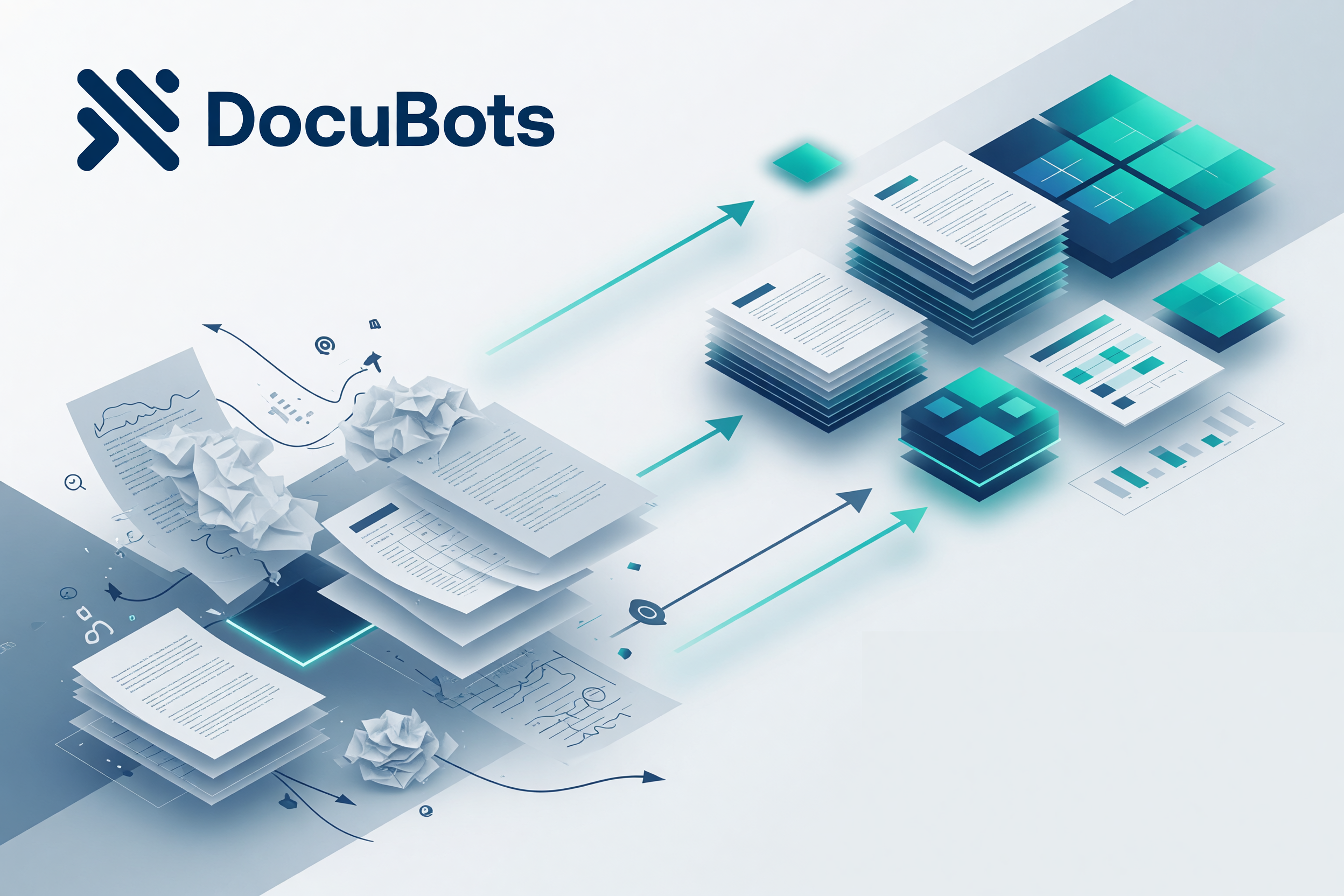
Search for document processing and you will find a pile of overlapping definitions: OCR, data capture, IDP, workflow tools, and “AI for documents.” Useful pieces—none of them the whole job.
Document processing is not “reading a PDF.” It is taking inbound files and unfinished paperwork and turning them into finished work: a decision, a reply, a handoff, an update in the system of record.
That is the definition teams actually run on. Everything else is a step inside it.
Most “document problems” are several jobs wearing one label. Separate them and the work gets designable:
If you only automate extract, you still pay humans for understand, respond, and route—the expensive middle and end of the stack. If you automate respond without understand, you scale confident mistakes.
For a deeper breakdown of these four jobs, see our guide on document work as a stack of tasks.
Finished work is the outcome the business already measures:
OCR alone is not finished work. A dashboard of “docs processed” is not finished work. A human still doing the same reply and the same chase email means the process is only partially processed.
AI document processing helps most when language, layout variance, and judgment-lite classification overwhelm rules. It is weaker as a blank check for final legal or financial authority with no human path.
Practical split:
Good document processing design assigns each step to AI, human, or system on purpose—not by accident.
Not every document job needs a platform project.
Scale only when reuse shows up. Jumping to a full app before the task is clear is how document programs stall. Starting with one painful task is how they ship.
DocuBots helps teams automate document-related work—extraction, understanding, responding, routing, and related tasks—as:
Same foundation. Depth matches reuse. That keeps document processing tied to finished work instead of another disconnected capture tool.
If paid search or a vendor demo pushed you here looking for “document processing,” start by naming one document type and the finished outcome you owe the business. That single sentence is worth more than a feature checklist.
Next step: pick one high-volume document type this week and map it through the four jobs. When you want a structured trial, run a seven-day pilot with clear readout metrics.