Document Work Is a Stack of Tasks: Extract, Understand, Respond, Route
Most document problems are unnamed tasks. Map extract, understand, respond, and route—then automate the work that actually burns time.
Most document problems are unnamed tasks. Map extract, understand, respond, and route—then automate the work that actually burns time.
Most document problems are unnamed tasks. Map extract, understand, respond, and route—then automate the work that actually burns time.
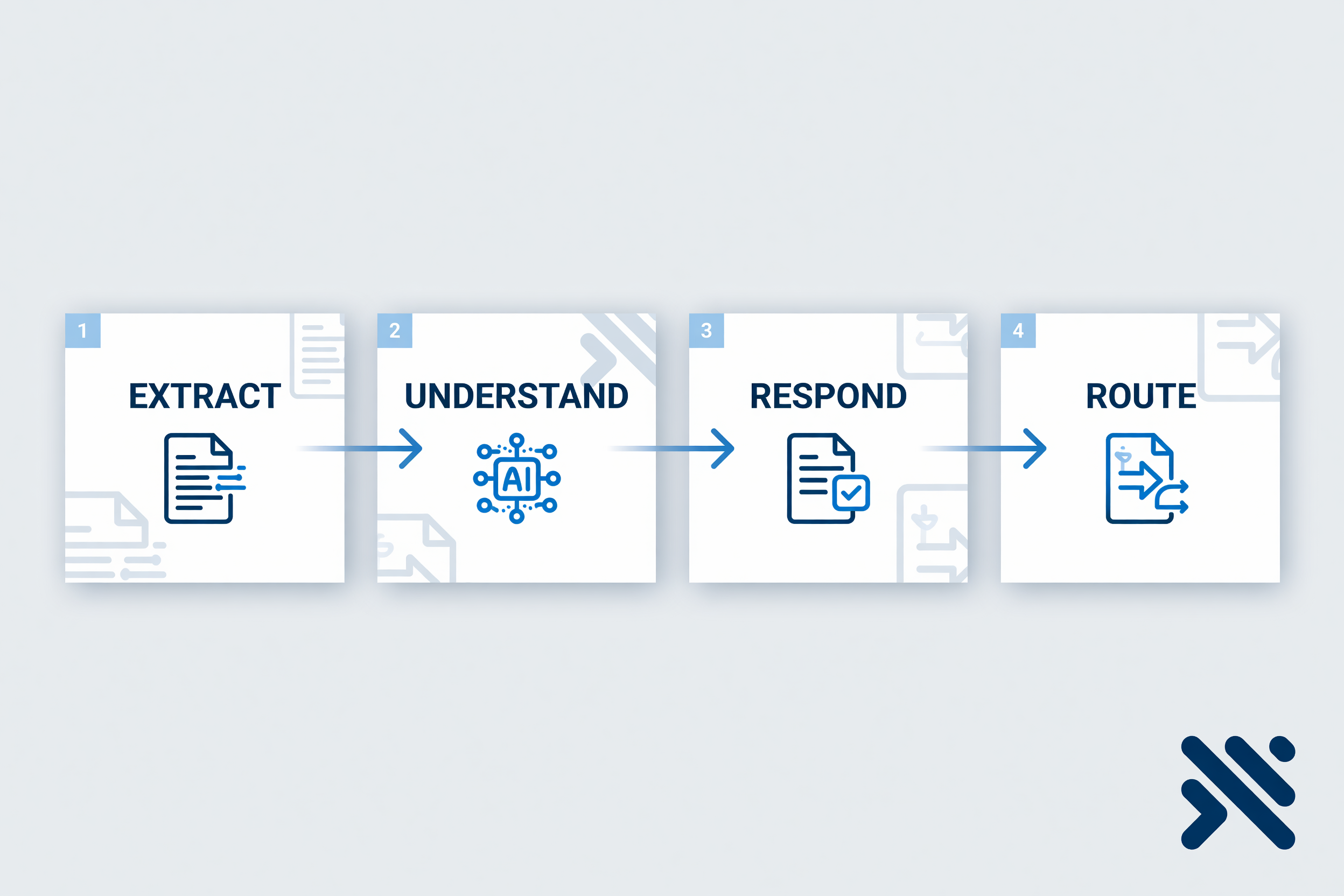
Most teams don’t have a “document problem.” They have a pile of unfinished jobs hiding inside PDFs, email threads, shared drives, and handoffs.
Someone extracts fields. Someone else interprets what the document means. Another person drafts a reply. Someone routes it to the right queue, system, or owner. Those are different jobs—and when you blur them into one vague “process,” automation projects stall, tools get mis-bought, and the expensive work stays manual.
This article is the language layer under everything else: document work is a stack of tasks. Name the tasks first. Automate second. Scale only when reuse shows up.
A contract, invoice, onboarding pack, or service request is not the work. It is the container. The work is what your team must do with it:
Those four verbs are not marketing labels. They are different failure modes, different skill requirements, and different automation designs.
When leaders say “we need better document management,” they often mean four separate pains at once:
Buying a single capability for all four is how teams automate the easy layer and leave the expensive layer untouched. Extraction without understanding creates dashboards nobody acts on. Understanding without routing creates insight that still waits on email. Response generation without extraction creates polished drafts built on incomplete inputs.
Map the stack. Then choose where automation earns its keep.
Extraction turns documents into usable inputs: parties, dates, amounts, line items, clauses, IDs, addresses, request types.
Good extraction looks like:
Bad extraction looks like:
Ask: If extraction were perfect tomorrow, what decision or action would get faster? If you cannot answer, you are collecting data for its own sake.
Understanding is where documents become operationally meaningful. It includes classification, completeness checks, policy comparison, risk flags, intent detection, and “what is this asking us to do?”
This layer is often where senior time hides. A junior teammate can move a file; an expert has to say what it means under your rules.
Design understanding as explicit questions:
If you only automate extraction and leave understanding fully manual, you may speed intake while the bottleneck simply moves upstream of the decision.
Response is the output side of document work: a reply email, a summary for a reviewer, a generated agreement section, a customer update, an internal brief, a checklist for fulfillment.
Strong response automation is grounded:
Weak response automation writes fluent text disconnected from systems, policies, or the actual request. Speed without grounding creates rework.
Routing is the quiet killer of document cycle time. Work stalls because it is unclear who owns the exception, which queue handles the tier, or which system must receive the payload.
Routing includes:
If routing is informal—“just Slack it to Maya”—your automation will look fine in demos and fail on Tuesdays.
Pick one document family that already hurts (invoices, vendor contracts, customer intake, claims, HR packs). For the last 10 real examples, write four columns:
Circle the column that consumed the most expert time. That circle is your first automation candidate—not the flashiest AI feature, the costliest task.
Once tasks are named, depth of automation becomes a product decision:
Do not start by building an app because apps sound strategic. Start by clearing a real task. Graduate only when reuse is obvious: same document type, same exceptions, same handoffs, same SLA pressure.
That spectrum—and how to decide when to move up—is the next cornerstone. The pilot checklist after that turns the model into a week of execution.
DocuBots is built for document-related work across that stack: extraction, understanding, responding, routing, and the paths around them. Teams can run work as a one-time task, stitch repeating steps into workflows, or build a complete document-centric app when reuse requires it—without pretending every problem is the same layer.
The point is not to automate “documents.” The point is to automate the tasks documents force your business to perform.
Name one high-volume document type and the single task inside it that burns the most expert time. If you want a structured way to trial that automation in seven days—with graduation criteria and readout metrics—use the pilot playbook in this series, or talk to DocuBots about running that first task on your real samples.
Document work gets faster when you stop managing files in the abstract and start finishing tasks on purpose.